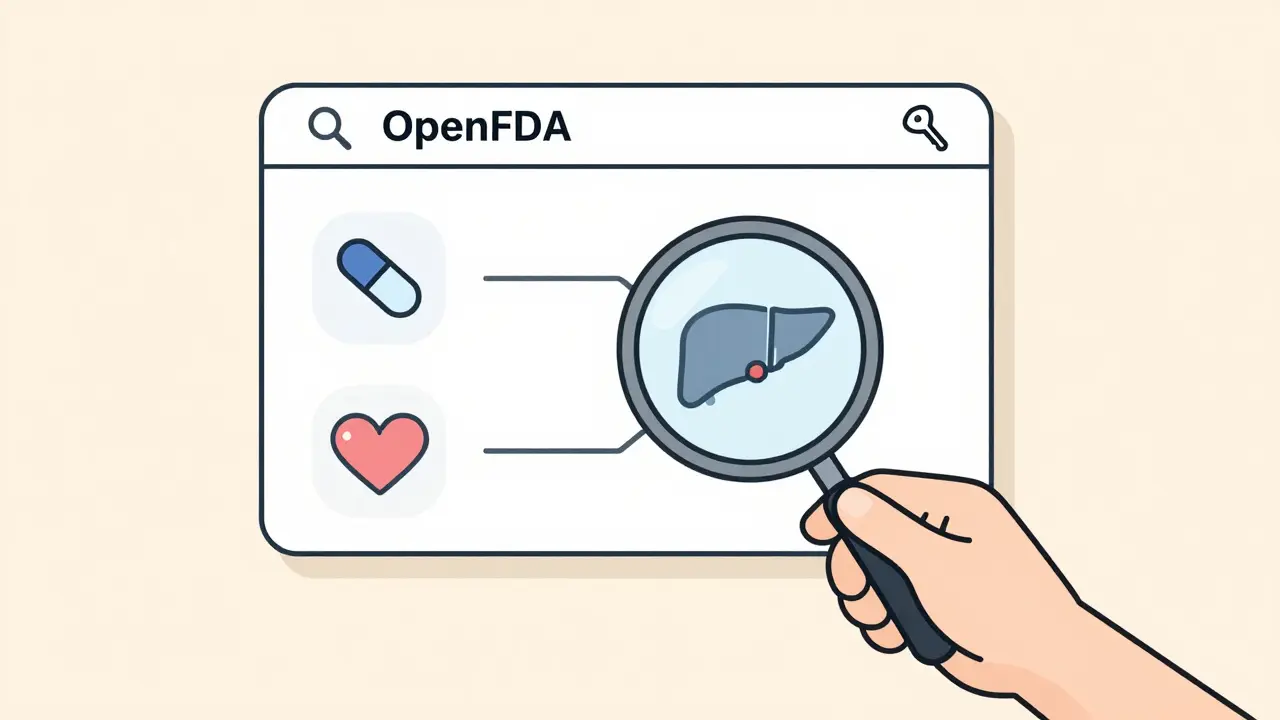
OpenFDA Query Builder
Build your OpenFDA query using this tool. It will generate the correct API syntax for drug side effect reports. Remember: OpenFDA data shows reported events, not proven causation.
How this tool works:
- Use generic drug names (e.g., "metformin", not "Glucophage")
- Side effects use MedDRA terminology
- Outcome codes: 1=Death, 2=Life-threatening, 3=Hospitalization, 4=Disability, 6=Required intervention
- Always include your API key for full access
- Result counts are limited to 1,000 per request
Every year, millions of people report side effects from medications. But unless you’re a researcher or a developer, getting access to that data used to be nearly impossible. The FDA kept it locked in massive, confusing XML files. That changed in 2014 with OpenFDA - a free, public API that lets anyone pull real adverse event reports directly from the FDA’s FAERS database. No more downloading gigabytes of raw data. No more waiting weeks for a response. Just a simple query, and you get structured, searchable reports on drug reactions.
What Is OpenFDA and How Does It Relate to FAERS?
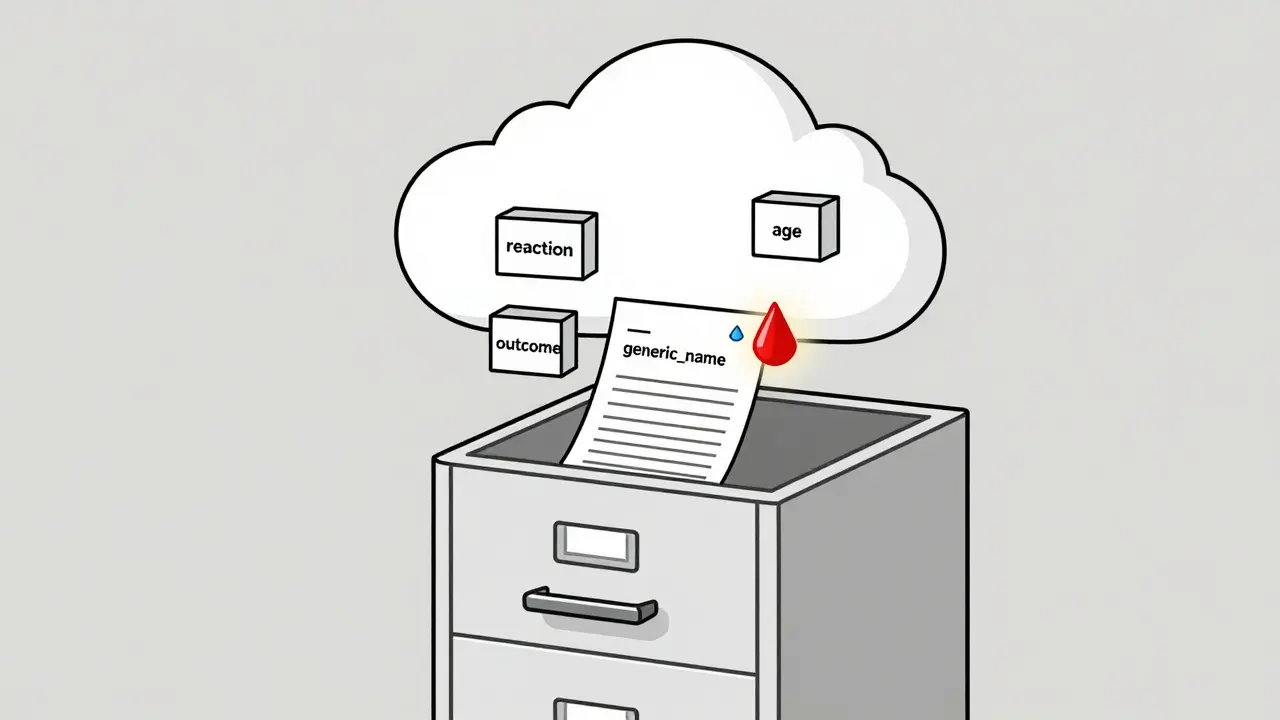
OpenFDA is not a new database. It’s a bridge. It takes data from the FDA Adverse Event Reporting System (FAERS) - a collection of over 14 million reports of side effects, overdoses, and medication errors - and turns it into something developers can actually use. Think of FAERS as a giant filing cabinet full of handwritten forms. OpenFDA is the digital scanner that turns those forms into searchable PDFs.
Before OpenFDA, if you wanted to find all reports of liver damage from a specific drug, you’d have to download a 2GB XML file, write custom code to parse it, and wait hours just to get a list of 50 results. Now, you can type a single line of code and get those results in seconds.
The system runs on Elasticsearch, which means you can search using simple queries like openfda.generic_name:"ibuprofen" and get back structured JSON data with details like patient age, reported reaction, drug dosage, and outcome (recovery, hospitalization, death). All patient names, addresses, and identifiers are removed to protect privacy - but the medical patterns remain clear.
How to Get Started with the OpenFDA API
You don’t need to be a programmer to use OpenFDA, but you do need to know how to build a URL. Here’s how to begin:
- Go to open.fda.gov/apis/authentication/ and sign up for a free API key.
- Once approved, you’ll get a key like
YOUR_API_KEY_HERE. - Use it in your request:
https://api.fda.gov/drug/event.json?api_key=YOUR_API_KEY_HERE&search=openfda.generic_name:"aspirin"
Without an API key, you’re limited to 1,000 requests per day. With one, you get 120,000 per day and 240 per minute - enough for serious research or building a small app.
Each request returns up to 1,000 results. To get more, use the skip parameter. For example, to get results 1,001 to 2,000, add &skip=1000 to your URL.
Understanding the Data Structure
OpenFDA doesn’t just give you raw reports. It organizes them into clean fields. Here’s what you’ll see in every response:
- patient.drug.generic_name - The active ingredient (e.g., "metformin", "lisinopril")
- patient.reaction.reactionmeddrapt - The standardized side effect term, coded using MedDRA (Medical Dictionary for Regulatory Activities)
- patient.patientsex - Gender: "1" for male, "2" for female
- patient.patientage - Age in years
- outcome - Result: "1" = death, "2" = life-threatening, "3" = hospitalization, "4" = disability, "5" = congenital anomaly, "6" = required intervention, "7" = other serious
- receiptdate - When the report was received by the FDA (not when the reaction happened)
For example, a report might show: “A 72-year-old woman took metformin and reported kidney failure. Outcome: hospitalization.” That’s one data point. Do this 10,000 times, and you start seeing patterns.
Building Your First Side Effect Query
Let’s say you want to find all reports of severe nausea from the diabetes drug semaglutide (brand name Ozempic). Here’s the exact query:
https://api.fda.gov/drug/event.json?api_key=YOUR_API_KEY_HERE&search=patient.drug.generic_name:"semaglutide"+AND+patient.reaction.reactionmeddrapt:"nausea"&limit=500
Notice the syntax:
- Use
+for AND - Use quotes around phrases like drug names
- Use
limit=500to control how many results you get
You can also filter by outcome. To see only reports where nausea led to hospitalization:
https://api.fda.gov/drug/event.json?api_key=YOUR_API_KEY_HERE&search=patient.drug.generic_name:"semaglutide"+AND+patient.reaction.reactionmeddrapt:"nausea"+AND+outcome:3&limit=100
That’s it. No databases to install. No software to buy. Just a browser and a free API key.
What You Can’t Do With OpenFDA
OpenFDA is powerful - but it’s not magic. Here are its limits:
- No causation proof - Just because someone took a drug and got sick doesn’t mean the drug caused it. Many reports come from people on multiple medications.
- Delayed data - Reports can take up to three months to appear. The system needs time to process, verify, and de-identify them.
- No patient history - You won’t know if the person had kidney disease, diabetes, or was on other drugs unless it’s mentioned in the report.
- No signal detection - OpenFDA gives you raw data. It doesn’t tell you if a side effect is unusual or dangerous. That’s where experts come in.
Commercial tools like ARTEMIS or Oracle Argus do the math for you - they compare reported side effects to expected rates and flag unusual patterns. OpenFDA gives you the numbers. You have to figure out what they mean.
Who Uses This Data?
Researchers, journalists, and even patients are using OpenFDA to uncover hidden risks:
- Academic studies - Over 350 papers in 2022 alone used OpenFDA to study drug safety trends, from antidepressants in teens to weight-loss drugs in older adults.
- News investigations - Outlets like ProPublica and The New York Times have used it to expose underreported side effects.
- Patients and caregivers - People with chronic conditions use it to compare side effects across similar drugs before switching treatments.
- Developers - Apps like MedWatcher use OpenFDA to give users instant safety alerts when they search for a medication.
One 2023 study used OpenFDA to show that the diabetes drug empagliflozin had a higher-than-expected rate of genital infections - a finding later confirmed by the FDA’s own analysis.
Tools to Make It Easier
If you’re not coding in Python or JavaScript, here are simpler ways to use OpenFDA:
- R Package - Install the
openFDApackage in R. Useset_api_key()once, then run queries likesearch_drug("metformin", "diarrhea"). - Microsoft Power BI - Use the OpenFDA connector to pull data directly into dashboards.
- Postman - Build and test API calls visually without writing code.
- Browser extensions - Some browser tools let you paste a drug name and instantly fetch its side effect reports.
For beginners, start with R or Power BI. They handle the API calls for you.
Common Mistakes and How to Avoid Them
Most people fail at first because they don’t understand the data structure. Here’s what trips people up:
- Using brand names instead of generic names - Search for
"ibuprofen", not"Advil". OpenFDA uses generic drug names. - Forgetting the API key - You’ll get a 403 error. Always include it.
- Trying to get more than 1,000 results in one call - Use
skipto paginate. - Assuming all reports are accurate - Some are submitted by doctors, others by patients. Quality varies.
- Ignoring the disclaimer - The FDA says: “Do not rely on openFDA to make decisions regarding medical care.” Use it to ask better questions - not to replace your doctor.
What’s Next for OpenFDA?
The FDA is expanding. In 2023, they added:
- More device-related adverse event reports
- Updated tobacco product data
- Faster processing pipelines to reduce the three-month delay
They’re also working on better documentation and sample code for non-programmers. The goal? Make it as easy to use as Google Search.
For now, OpenFDA remains the only free, official source for this kind of data. Commercial tools cost tens of thousands of dollars a year. OpenFDA? Free. Always.
Frequently Asked Questions
Is OpenFDA data real-time?
No. OpenFDA data is updated quarterly, with a delay of up to three months. Reports take time to be submitted, verified, and de-identified before they appear in the system. Don’t expect to see a new side effect reported today in the API tomorrow.
Can I use OpenFDA to report a side effect?
No. OpenFDA is for accessing existing reports, not submitting new ones. To report a side effect, go to the FDA’s MedWatch portal at fda.gov/medwatch. That’s the official channel for patients and doctors to submit adverse event reports.
Do I need to know programming to use OpenFDA?
Not necessarily. You can use tools like R, Power BI, or Postman to query the API without writing code. There are also browser extensions and online query builders that let you click your way through searches. But if you want to automate reports or build a custom tool, basic coding skills will help.
Why can’t I find reports for my specific drug?
Two reasons: either the drug is too new (it takes time for reports to accumulate), or you’re using the brand name. Always search by the generic drug name - for example, use "atorvastatin" instead of "Lipitor". Also, some drugs have very few reports - especially if they’re rarely prescribed or have been on the market for less than a year.
Is OpenFDA data reliable?
It’s reliable as a source of reported events, but not as proof of cause. The FDA doesn’t verify every report - it collects them. A report saying "I took drug X and had a seizure" doesn’t mean drug X caused the seizure. But if hundreds of similar reports appear, it’s a red flag that deserves investigation. That’s how real safety signals are found.
Next Steps
If you’re a patient or caregiver, start by searching for your medication on OpenFDA. Look for the most common side effects and how often they led to hospitalization. Talk to your doctor about what you find - don’t make changes based on the data alone.
If you’re a developer, download the R package or set up a simple Python script. Try searching for two similar drugs - say, metformin and glipizide - and compare their side effect profiles. You might find something surprising.
If you’re a researcher, combine OpenFDA data with clinical trial results. Look for patterns that weren’t visible in controlled studies - like side effects that only show up in older adults or people with kidney disease.
OpenFDA doesn’t give you answers. It gives you questions. And sometimes, the right question is the most powerful thing you can have.


christy lianto
January 8, 2026 AT 01:01